Digital Goldmine: The Complete System to Build & Rent Digital Assets
If the Digital Asst Blueprint eBook gave you clarity and the bigger picture, Digital Goldmine is the full implementation path for Digital Real Estate Rank and Rent—niche selection, research, website build, SEO, lead tracking, sales, contracts, and getting paid—organized in the exact order you need.

In The Digital Goldmine Course You'll Learn How To:
-
Choose a niche + market using a clear framework (no guessing)
-
Validate demand with free and paid research tools + worksheets
-
Build your rental website using templates or AI-assisted building
-
Apply SEO essentials (on-page, off-page, citations, GBP)
-
Set up lead tracking (call tracking + email setup)
-
Monetize professionally (pricing, scripts, agreements, and payments)
Preview Module 0 free for 7 days.
(Full implementation modules unlock with enrollment.)
You’re in the right place if you understand the model but want the full step-by-step proven Blueprint
Most people don’t fail because they lack information. They fail because the information is scattered.
Digital Goldmine gives you the order of operations—so you always know:
what to do now, what comes next, and what matters most.
This is not a collection of tips. It’s a complete system.
Digital Goldmine is for you if…
-
You want a structured plan instead of piecing together random videos
-
You want the build process and the operational pieces (leads, sales, contracts, payments)
-
You’re ready to follow a proven order of steps and execute consistently
-
You want a repeatable workflow you can reuse for future assets
Not a fit if:
- You want shortcuts.
- Hype.
- Overnight results.
This course is built for real execution.
What this course helps you do—practically
By working through Digital Goldmine, you’ll be able to:
-
Make confident niche + market decisions with a real framework
-
Use tools and worksheets to validate your direction
-
Build a rental site with clean structure and professional presentation
-
Apply SEO fundamentals that support rankings over time
-
Track inbound leads so value is measurable
-
Approach monetization with a process (pricing, scripts, agreements, reporting)
Note: Results vary by market and execution. The focus here is clarity + implementation.
HOW IT WORKS:
A step-by-step system you can follow in order
The Digital Goldmine Course is designed so you’re never stuck wondering what to do next.
You’ll follow a simple progression:
Foundation → Niche & Research → Build → SEO → Lead Tracking → Sales & Monetization → Operations
What you get:
-
On-demand lessons in a clean build order
-
Downloads/worksheets/cheat sheets included in the lessons
-
Practical training covering the full workflow—start to monetization
What’s inside Digital Goldmine
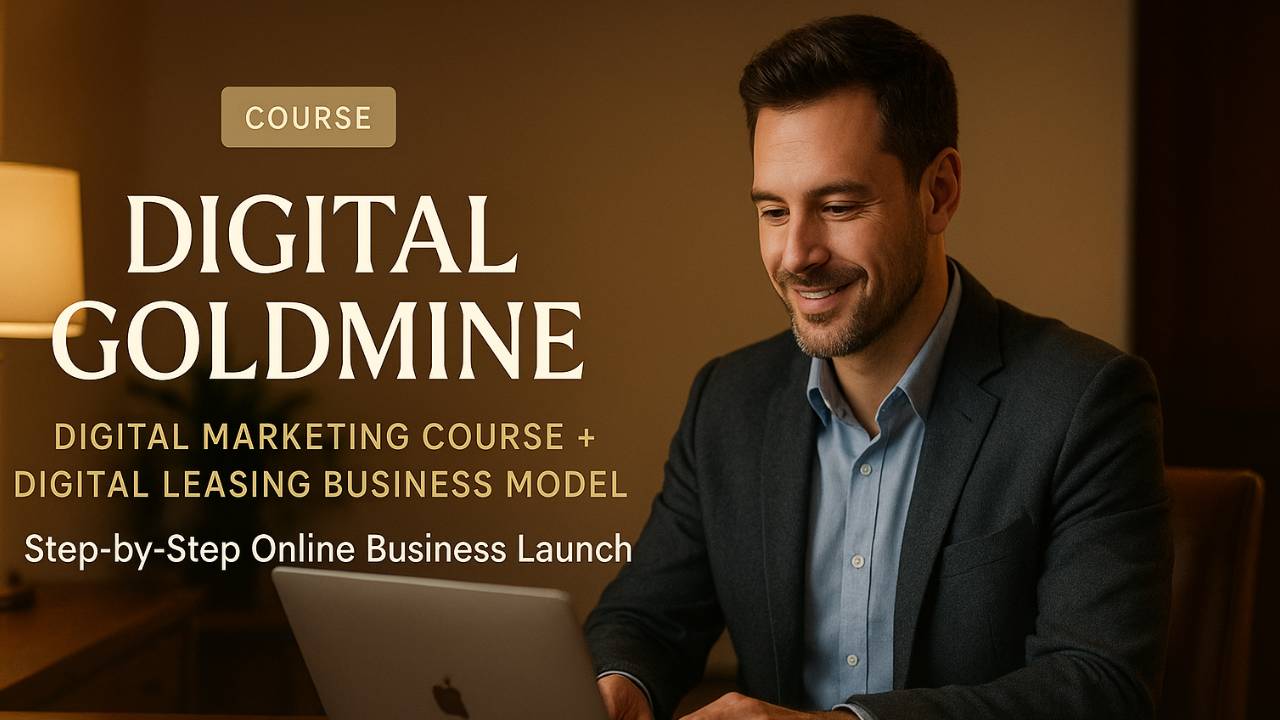
Digital Goldmine: Your Passive Income Blueprint
-
GETTING STARTED: Welcome To The Digital Goldmine course
3 lessons- Welcome!
- About Us
- Terms & Acronyms
-
YOUR THOUGHTS CREATE YOUR REALITY
4 lessons- Details, Details
- You're In Driver's Seat
- What's Your Your Vision For Success?
- How To Stay Motivated
-
WHAT YOU CAN EXPECT
1 lesson- Expectations For Success
-
UNDERSTANDING THE DIGITAL GOLDMINE MODEL
5 lessons- Introduction to Building & Renting Digital Assets
- Types of Digital Assets
- Creating Your Digital Asset
- Optimizing Your Digital Asset
- Customer Service: Towing The Line
-
NICHE` SELECTION
1 lesson- Selecting The Right Niche`
-
RESEARCH, RESEARCH, RESEARCH!
4 lessons- Free Tools
- Another Free Keyword Research Tool ...
- Research & Tools Overview
- Research Worksheet
-
PAID RESEARCH TOOLS
2 lessons- AHREFS Introduction
- AHREFS Basics
-
HOW TO USE CHAT GPT FOR THE DIGITAL REAL ESTATE BUSINESS MODEL
1 lesson- USING CHAT GPT
-
USING CANVA FOR CONTENT CREATION
10 lessons- Before You Get Started
- Welcome To Canva
- Navigating The Home Page
- Customizing Templates
- Using Search & Magic Design
- Uploading & Editing Photos
- Exploring The Element Library
- Finding Fonts & Using Text
- Exploring The Visual Suite
- Downloading & Sharing
-
CANVA Mobile App
2 lessons- Using CANVA's Mobile App
- Navigating The App
-
INTRODUCTION TO WEBSITE DESIGN
10 lessons- Building Your First Website: Things To Know
- Planning Your Website
- Website Styles
- Types of Websites
- Responsive Design
- Website Speed: Performance Optimization
- Why It's Important
- Website Testing
- Website Maintenance
- Website Launch
-
WEB BUILDER OVERVIEW
17 lessons- About Our Templates
- Site Header
- Edit Page Layout
- Navigation Menu
- Manage Pages
- Global Design
- Using Widgets
- Personalization
- Manage Content
- Blog Management
- Basic Editor Overview
- Snapps Design and Flex Sections
- Internal Collections
- Dynamic Pages
- Airtable Example URL
- Site Comments
- Simple Editor
-
WEBBUILDER 2.0 (LET AI DO THE SET-UP)
7 lessons- Watch A Website Build In Real-Time With The AI Web Builder Tool
- Design Panel
- AI Sections
- AI .alt Text
- Side Panels
- Canvas
- Top Bar
-
BUILDING YOUR RENTAL WEBSITES WITH AI
1 lesson- Building a Website With Our AI Web Builder
-
BUILDING YOUR RENTAL SITE WITH A TEMPLATE
10 lessons- INTRODUCTION TO TEMPLATES
- USING FOLDERS TO STAY ORGANIZED
- USING CHAT GPT WITH TEMPLATES
- COMPETITOR RESEARCH
- USING CANVA WITH TEMPLATES
- BUILD THE RENTAL WEBSITE NOW
- CREATING BLOG POSTS
- FINAL ON-PAGE SEO
- OPTIMIZING FOR MOBILE
- FINAL WEBSITE REVIEW
-
BUILD YOUR AGENCY WEBSITE
5 lessons- Why It Matters
- Create Your Snapps Account
- Using Templates
- FAQ Sections & Schema
- Keyword Themes
-
PURCHASING DOMAINS
3 lessons- IMPORTANT UPDATE
- Domain.com
- Get Your Domain Name
-
ON-PAGE SEARCH ENGINE OPTIMIZATION (SEO)
1 lesson- About On-Page SEO
-
ANSWER ENGINE OPTIMIZATION (AEO)
2 lessons- Using AEO
- About Answer Engine Optimization (AEO)
-
YOUR AGENCY WEBSITE: GO LIVE!
2 lessons- Publishing Your Agency Site
- Google Search Console
-
OFF-PAGE SEARCH ENGINE OPTIMIZATION (SEO)
4 lessons- Backlinks Explained
- Do-Follow vs. No-Follow Links
- DR & UR Explained
- Understanding Citations
-
SET UP YOUR AGENCY GOOGLE BUSINESS PROFILE
1 lesson- Google Business Profile Tips
-
RENTAL SITE E-MAIL SET UP
3 lessons- A Word About Rental Site G-mail Accounts
- Setting Up a G-Mail Address
- Creating Google Accounts and Gmail Email Addresses
-
INBOUND LEADS: CALL TRACKING
5 lessons- Call Sling Overview
- Connecting To Snapps
- Setting Up Your 1st Tracking Number
- Tracking Number Configurations
- Call Sling Mobile App
-
SALES 101
10 lessons- A Word About Sales ...
- Introduction to Monetization Strategies
- Implementing Your Monetization Strategy
- Scaling Your Digital Real Estate Business
- Website Rental Cost Structure
- Selling A Rented Digital Real Estate Website
- Rental Agreement
- Sales Process
- Phone and Email Scripts
- Monthly Progress Reports
-
USING XODO SIGN (E-SIGNING CONTRACTS)
1 lesson- Using XODO Sign For E-Signatures
-
PAYMENT AUTHORIZATION FORM
1 lesson- Using The Payment Authorization & XODO
-
SETTING UP YOUR PAYMENT GATEWAY
1 lesson- Send Invoices and Get Paid With Stripe
-
FACEBOOK COMPANY PAGE
1 lesson- Your Company Page
-
FOOTER CONTENTS: LEGAL COMPLIANCE
1 lesson- Privacy Policy, Copyright & Disclaimer
-
YOUR BUSINESS STRUCTURE
2 lessons- Setting Up Your Business
- Using Rocket Lawyer
-
FACEBOOK ADS MASTER CLASS
10 lessons- Why Facebook Ads Are a Game-Changer for Digital Real Estate
- Setting Up Business Manager & Ad Account the Right Way
- Choosing the Right Campaign Objective
- Mastering Targeting & Audiences
- Writing Winning Ad Copy
- Designing Scroll-Stopping Creatives
- Budgeting & Bidding Strategies
- Tracking & Optimization
- Converting Leads Into Paying Clients
- Putting It All Together
-
GOOGLE ADS MASTERCLASS
10 lessons- Why Google Ads Are a Game-Changer for Digital Real Estate
- Setting Up Google Ads the Right Way
- Campaign Types That Work for Rank & Rent
- Mastering Targeting in Google Ads
- Writing Winning Google Ad Copy
- Designing High-Converting Landing Pages
- Budgeting & Bidding Strategies
- Tracking & Optimization
- Converting Leads Into Paying Clients
- Piece It All Together
-
BUILT-FOR-YOU WEBSITES
0 lessons -
DONE-FOR-YOU CITATIONS
0 lessons -
DONE-FOR-YOU BACKLINKS
0 lessons -
JOIN OUR AFFILIATE PROGRAM
0 lessons -
COMING SOON ....
0 lessons-
JOINING OUR EXCLUSIVE COMMUNITY
-
Want to see how it’s taught before you enroll?
Get free 7-day access to Module 0
Quick Start so you can evaluate the structure and teaching style.
Included in the preview:
-
Welcome to the course
-
Terms & Acronyms + Cheat Sheet download
-
Expectations for Success
-
Introduction to Building & Renting Digital Assets
-
Selecting the Right Niche (framework + next step)
No automatic charges. Preview expires after 7 days. Enroll anytime to unlock everything.
WHAT MAKES THIS DIFFERENT
Why Digital Goldmine works for busy beginners
-
Order of operations: you always know what to do next
-
Full system coverage: build + SEO + lead tracking + sales + payments
-
Beginner-friendly: terms, tools, and steps explained clearly
-
Repeatable workflow: not a one-time tactic—this is a system you can reuse
What people say when it finally “clicks”
Samantha T.
“I stopped overthinking and finally had a real plan.”
John M.
“The niche framework made my decision simple.”
Eddie P.
“Everything is organized in order. That’s what I needed.”
Enroll in Digital Goldmine
If you’re ready to follow the full implementation system—start now.
Included with enrollment (short bullets):
-
Full course access (all modules)
-
Downloads/worksheets/cheat sheets included in the lessons
-
Optional ads masterclasses
Is this beginner-friendly?
Do I need technical skills?
Will I be charged after 7 days?
How long does it take to complete?
Ready to stop guessing and follow a real system?
Enroll now to unlock the full course—or start with the free 7-day preview of Module 0.
Preview expires after 7 days. No automatic charges.